Voca Vela vs Google Translate for real conversations
· 6 min read
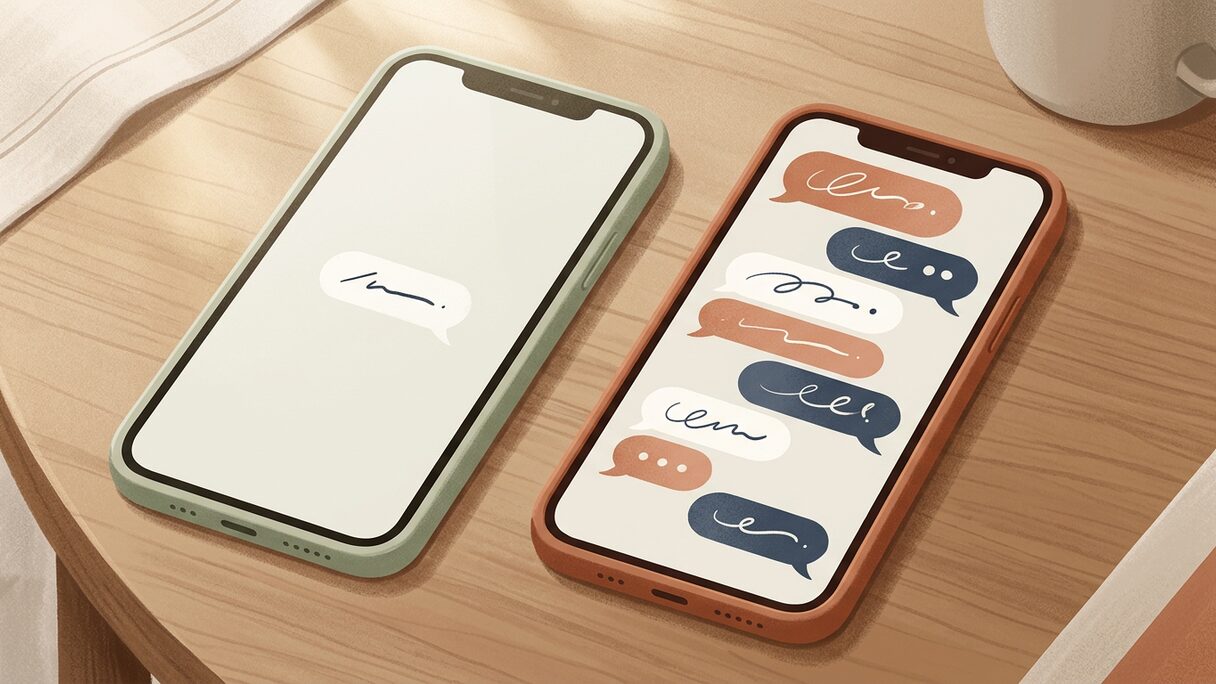
Google Translate is hard to beat for a single phrase. Type or paste a line, get a fast, decent translation, done. Where it gets awkward is a real, two-way conversation, the kind where you and another person are actually talking back and forth. That's the gap Voca Vela is built for: live conversation translation that speaks both sides out loud, instead of one phrase at a time on a shared screen.
This isn't a takedown. Google Translate is a genuinely great tool and most people already have it. The honest answer is that the two are good at different things, so this is a comparison of what each is for, not a verdict on which one "wins".
Where Google Translate is the right tool
If you're after a Google Translate alternative for everything, slow down, because for a lot of jobs Google Translate is still the thing to reach for.
- A single phrase you need fast: "where is the train station", "no onions please".
- Pasting a block of text, an email or an article to get the gist quickly.
- A rough sense of a word you don't know.
- Wide language coverage and an interface you already know.
For these, opening another app makes no sense. The friction shows up the moment a quick lookup turns into an actual conversation.
Where a single-phrase tool gets awkward
Picture the back-and-forth at a pharmacy or with a landlord. With a phrase-at-a-time tool, the rhythm is: you type, you flip the phone around, they read, they type a reply, they flip it back, you read. Every turn is a small stop. The other person is now operating your phone. Eye contact is gone. By the third exchange it feels like filling in a form together rather than talking.
A type-and-flip tool also doesn't say the translation out loud, so a person who can't read your screen well, or who'd rather just hear it, is stuck. And it treats each line in isolation, which means it can miss the thread of a conversation that an earlier sentence set up.
None of that is a flaw in Google Translate. It's just not what a phrasebook-style tool is shaped to do. A back-and-forth chat needs a different shape.
What a real-time translation app does instead
Voca Vela is a real-time translation app built around the conversation, not the phrase. The core feature is live two-way voice translation: both people just talk normally, and the app speaks the translation out loud in each direction. No flipping the phone, no taking turns to type, no handing your screen to a stranger. It runs this for 39 languages, the set with full speech in, translation, and speech out.
It also covers the other moments a phrase tool handles awkwardly:
- Camera translation for a sign, menu, label or document. It doesn't just float words over the image, it regenerates the whole thing in your language, laid out like the original, so a menu still reads like a menu. If you've ever squinted at overlaid text, how live voice translation works explains why the pipeline matters for getting a usable result.
- Quick text translation for when typing a line really is the right call, and it aims for phrasing a local would actually use rather than a stiff word-for-word render. We get into why that matters in text that sounds natural instead of robotic. Text works across all 50 languages.
- Live dubbing, where you connect another tab and it dubs the audio or video into your language as it plays.
There's also a secondary Practice mode that lets you rehearse a tricky conversation before you have it, with phrasing corrections and a memory loop over words you got wrong. It's a nice extra, not the headline. The headline is translation.
The honest comparison
Here's how the two stack up on the dimensions that actually decide which one you open.
| Dimension | Google Translate | Voca Vela |
|---|---|---|
| Single quick phrase | Excellent | Good |
| Live two-way conversation | Awkward, turn-based | Built for it |
| Speaks translation aloud | Limited | Yes, both directions |
| Signs and menus | Overlays text | Re-renders the whole image |
| Cost | Free | Free to start, no sign-up to try |
| Best for | Fast lookups, gist of text | Real conversations and travel |
Two fair caveats. Google Translate's language list is broader than Voca Vela's live-voice set, so for a rare language a quick typed translation may be your only option. And any machine translation, ours included, can get things wrong. For anything high-stakes (medical, legal, financial, safety) treat it as an aid and get a qualified human where the wording really has to be right.
So which should you use?
Use whichever fits the moment, and it's fine to keep both.
- Need one phrase, or the gist of some text? Google Translate is great, stay there.
- Need to actually talk with someone, hear both sides, or read a sign or menu in place? That's where a purpose-built live conversation translator earns its place.
Most people reaching for a Google Translate alternative aren't unhappy with quick lookups. They're tired of the phone-flipping dance every time a lookup turns into a conversation. If that's you, the difference is less about accuracy and more about whether the tool was designed for the thing you're actually doing.
FAQ
Is Voca Vela better than Google Translate?
Not in general, they're built for different jobs. Google Translate is excellent for a single phrase or a block of text. Voca Vela is built for live, two-way conversations and for translating signs and menus in place. For a real back-and-forth, Voca Vela is the better fit; for a fast lookup, Google Translate is hard to beat.
Can Google Translate handle a live conversation?
It can translate each turn, but it's a phrase-at-a-time, type-and-flip experience. It works in a pinch, but it stops the flow of a real conversation, where a tool that speaks both sides out loud feels far more natural.
Does Voca Vela cost anything?
It's free to start and you don't need to sign up to try it. You can run a live conversation, point the camera at a sign, or type a quick line without creating an account first.
How many languages does it support?
Live two-way voice translation covers 39 languages, the set with full speech support in both directions. Quick text translation works across 50 languages.
If your next conversation matters more than your next quick lookup, give the live version a go. You can try Voca Vela free, no sign-up needed, at vocavela.live.
Voca Vela translates live conversations, signs and documents, so you can get by from day one and pick the language up as you go. Free to start.
Try Voca Vela free